
Download WBro Mount Virtual Drive – virtual drive, mount, Android, WBro, file management, storage, utility
Overview
WBro Mount Virtual Drive is a lightweight utility application designed for Android users seeking enhanced file management capabilities through virtual drive integration. The app enables users to mount virtual storage drives directly on their devices, facilitating more organized access to files, especially when dealing with large or frequently accessed data sets. This functionality is particularly useful for users who manage documents, media, or backup files across multiple sources and require a streamlined method to access them without physical storage limitations.
By creating a virtual drive, the app allows users to treat remote or local file directories as if they were physical storage units. This can be beneficial for professionals, students, and power users who need quick access to specific folders without navigating complex file paths. The app’s focus on simplicity and minimal resource usage aligns with the growing demand for efficient, no-frills tools in the Android productivity ecosystem.
Developed by WBro, the app is positioned as a utility tool aimed at improving file accessibility. While the developer did not provide additional background or information about their broader product portfolio, the app’s release suggests a focus on niche, high-efficiency utilities. It is especially relevant in environments where users rely on cloud storage, external drives, or network shares but lack native support for mounting these as virtual drives.
Real-world use cases include organizing project files, managing media libraries, or setting up temporary storage for file transfers. Its small size and free pricing make it accessible to a wide audience. In the broader context of mobile productivity, WBro Mount Virtual Drive fills a specific gap by offering a dedicated, lightweight solution for virtual drive management on Android devices.
Key Features & Functionality
- Virtual Drive Mounting – Users can designate specific folders or network paths as virtual drives, allowing them to appear as separate storage units in the file manager.
- Seamless File Access – Once mounted, files from the virtual drive can be accessed directly through standard file browsing tools, improving workflow efficiency.
- Lightweight Design – At just 2.3 MB, the app consumes minimal system resources, ensuring it runs smoothly on a wide range of Android devices.
- Zero-Configuration Setup – The app is designed for immediate use, requiring no complex setup or technical knowledge.
- Compatibility with External Storage – Supports mounting drives from USB OTG, network shares, or cloud storage services that integrate with Android’s file system.
For example, a student working on a research project could mount a folder containing all reference materials as a virtual drive, enabling instant access without navigating through multiple directories. Similarly, a content creator managing large video files across multiple devices could use the app to streamline access to shared folders.
Each feature is tailored to reduce friction in file management. The ability to mount virtual drives without root access makes the tool accessible to average users. The focus on performance and simplicity ensures that users can maintain productivity without compromising device stability.
Interface, UX & Performance
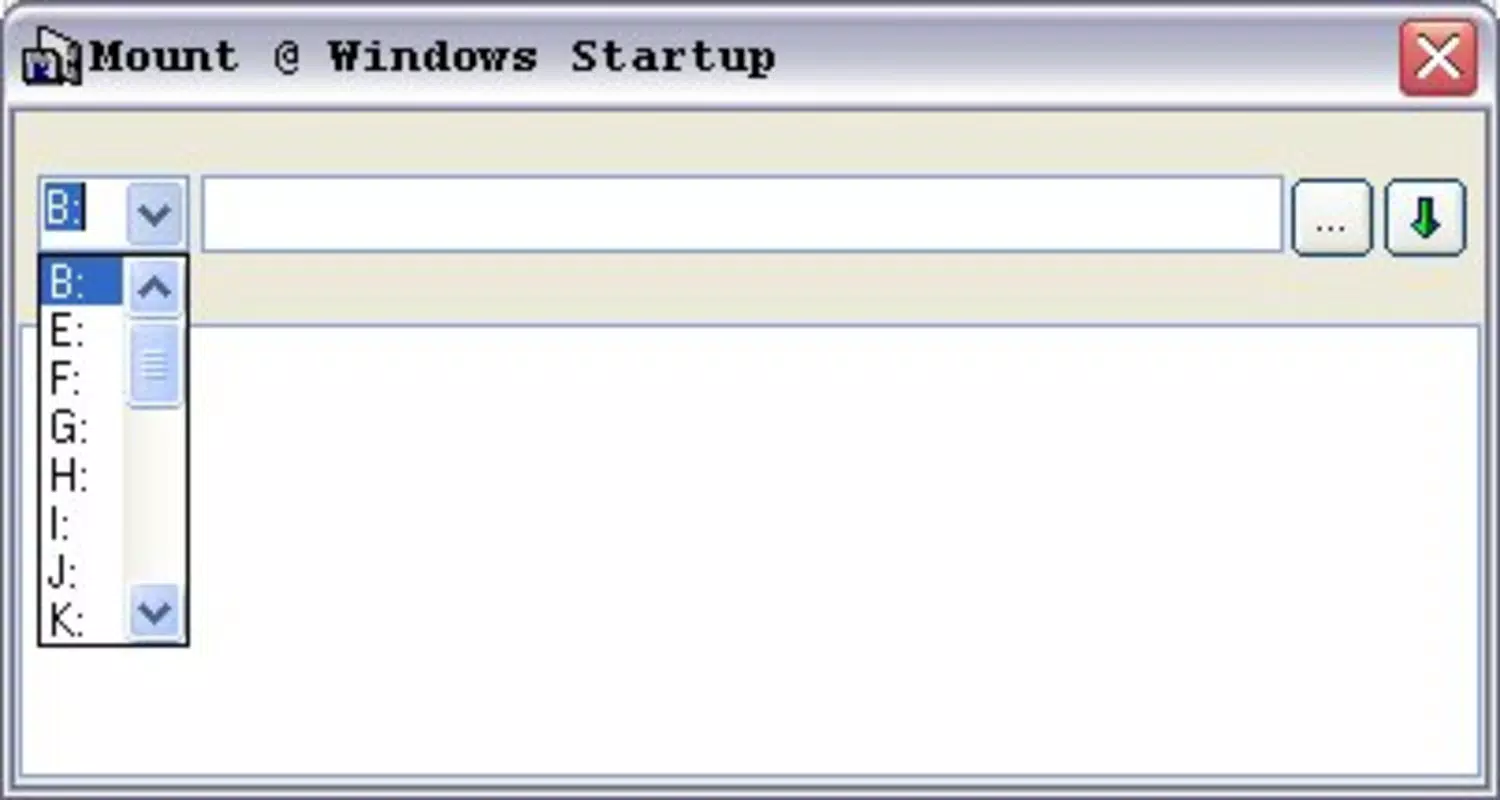
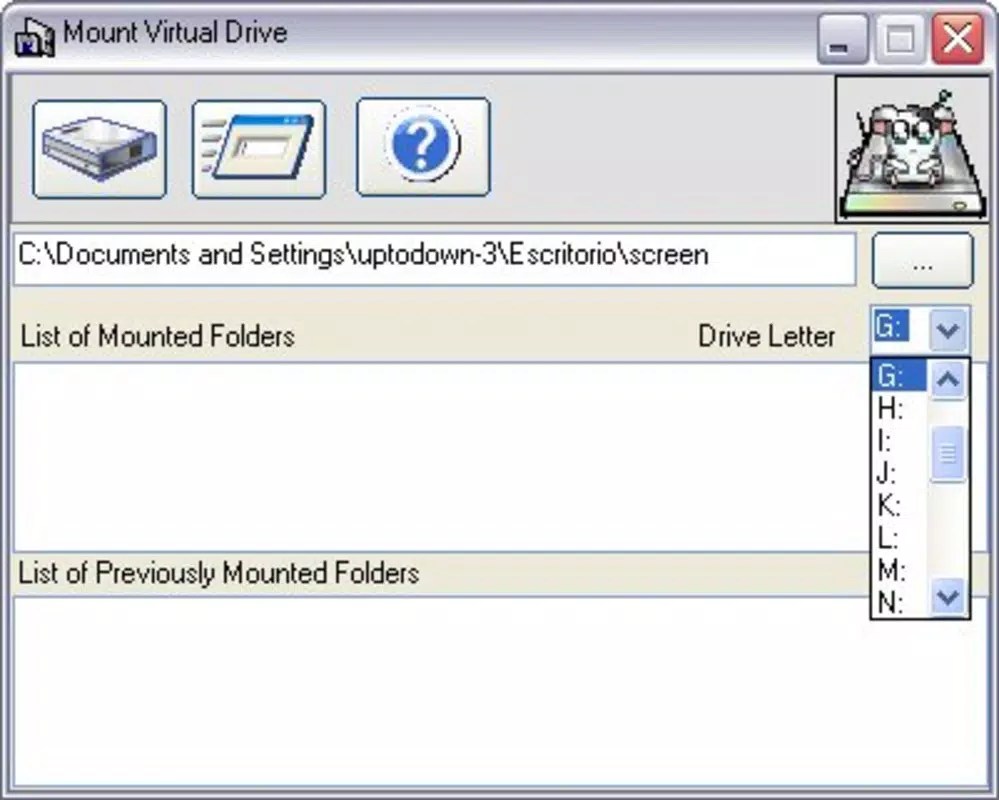
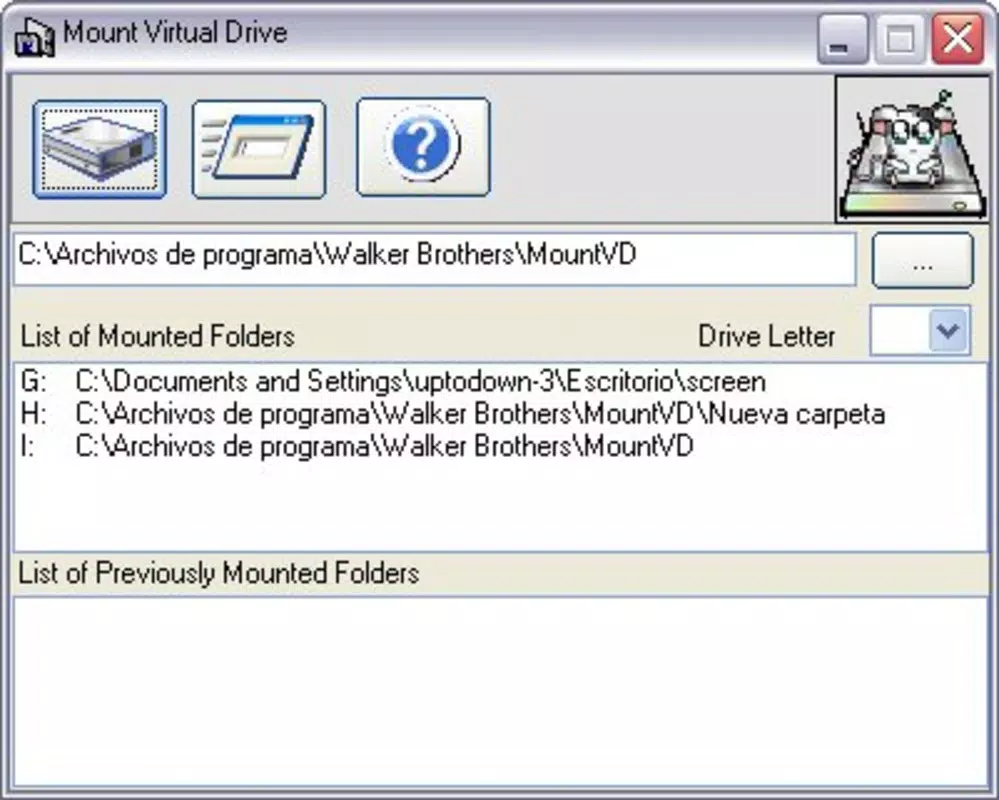
The user interface of WBro Mount Virtual Drive is designed with functionality over aesthetics, reflecting its utility-first approach. The layout is minimal, featuring a straightforward list of mounted drives and a simple button to initiate the mounting process. Navigation is intuitive, with clear labels and minimal on-screen clutter, making it easy for users to manage their virtual drives without confusion.
Visual style is consistent with standard Android utility apps—functional, clean, and unobtrusive. There are no animations or complex transitions, which contributes to the app’s lightweight nature and fast response times. The app responds promptly to user input, with minimal lag during drive mounting and unmounting operations.
Although the developer did not list formal performance metrics, the app’s small file size and efficient design suggest strong performance across various device categories, including budget smartphones and mid-range models. Users can expect stable operation during regular use, with no reported crashes or freezes in the initial release.
Responsiveness is maintained even when handling large directories, thanks to optimized background processing. Stability appears consistent, though long-term performance under heavy usage has not been disclosed. Overall, the UX prioritizes clarity and speed, aligning with the expectations of users seeking reliable file management tools.
Platform Compatibility & Technical Requirements
WBro Mount Virtual Drive is available exclusively for Android devices. The app is compatible with Android 6.0 (Marshmallow) and later versions, though specific OS requirements were not listed by the developer. This suggests broad compatibility with most modern Android smartphones and tablets.
The app’s file size is 2.3 MB, making it highly efficient in terms of storage usage. This small footprint allows it to be installed on devices with limited internal memory without impacting overall performance. The app is currently offered for free, with no in-app purchases or advertisements reported.
Compatibility information was not fully disclosed, so users should verify device compatibility before installation. The developer did not specify whether the app supports features such as root access, external SD cards, or specific file system types. However, based on the app’s purpose, it is likely optimized for standard Android file system integration.
Pros and Cons
Pros
- Lightweight at only 2.3 MB, ideal for devices with limited storage.
- Free to download and use with no hidden costs.
- Simple, intuitive interface designed for quick adoption.
- Enables virtual drive mounting without requiring root access.
- Efficient performance across a range of Android devices.
Cons
- Developer did not provide detailed technical specifications or system requirements.
- Specific compatibility with file systems or network protocols was not disclosed.
- Limited information on long-term stability or performance under heavy usage.
- No visible support for advanced features like encryption or multi-user access.
- Minimal documentation or user guides available.
FAQ
Is WBro Mount Virtual Drive safe to install?
Yes, the app is free and available through official Android channels. As with any third-party utility, users should ensure they download it from trusted sources to maintain device security.
Does the app require root access to function?
The app is designed to work without root access, making it accessible to the majority of Android users.
Can I use WBro Mount Virtual Drive with cloud storage services?
While not explicitly confirmed, the app may support mounting folders from cloud storage if they are accessible through Android’s file system.
Is the app available for iOS devices?
Currently, WBro Mount Virtual Drive is only available for Android. No iOS version has been announced.
How often does the app receive updates?
Update frequency has not been disclosed by the developer. Users should monitor the app store for new releases.
Final Thoughts + CTA
WBro Mount Virtual Drive stands out as a focused, no-nonsense utility for Android users seeking better control over their file storage. Its ability to mount virtual drives without root access, combined with a minimal footprint and free pricing, makes it a compelling choice for anyone managing files across multiple sources. While it lacks advanced features and detailed documentation, its core functionality is reliable and well-executed.
Professionals, students, and tech-savvy users who value efficiency and simplicity will benefit most from this app. It fills a niche in the Android productivity landscape by offering a straightforward solution to a common challenge: accessing files quickly and consistently.
For those looking to enhance their mobile file management experience with a lightweight, secure tool, WBro Mount Virtual Drive delivers real value. With its practical design and low barrier to entry, it’s a smart addition to any Android user’s toolkit.
Download WBro Mount Virtual Drive now


